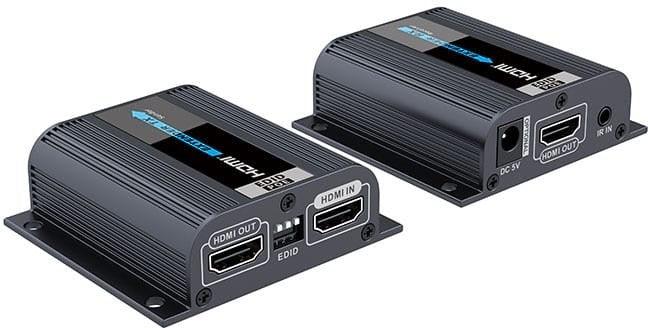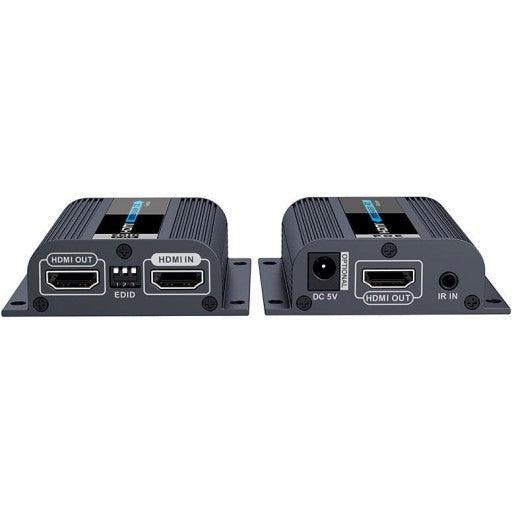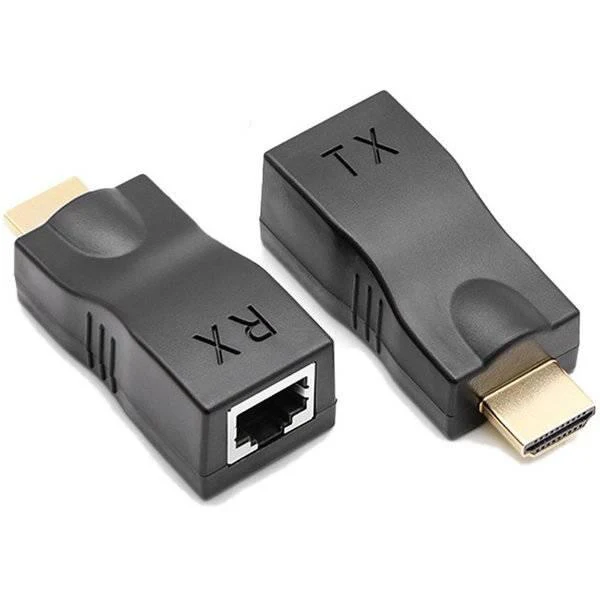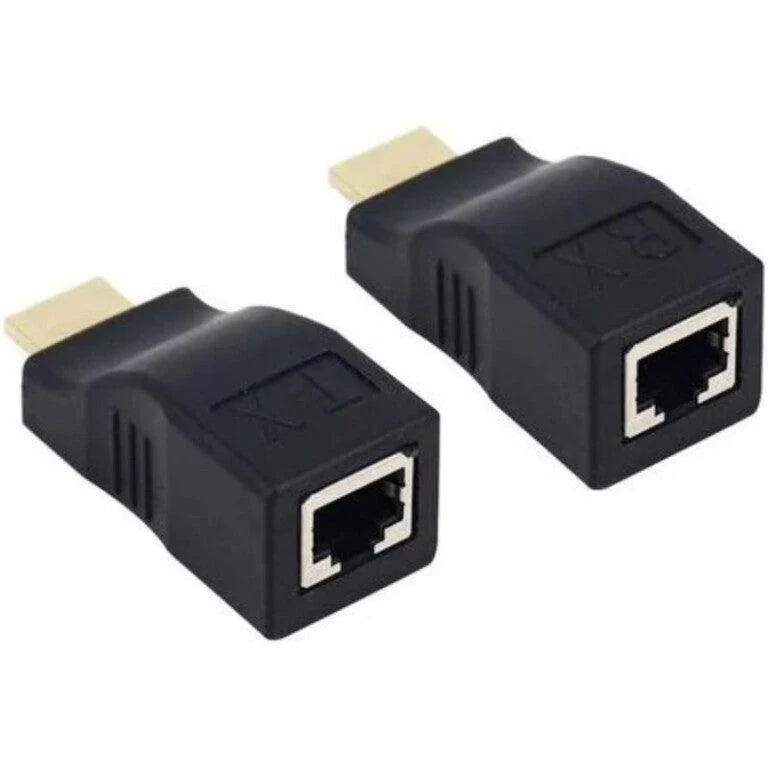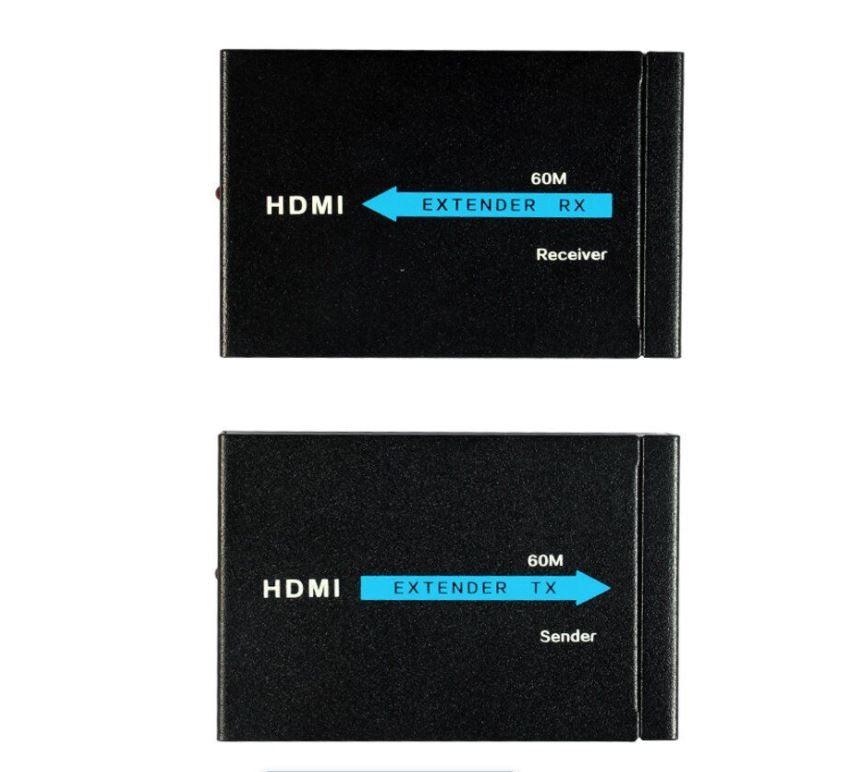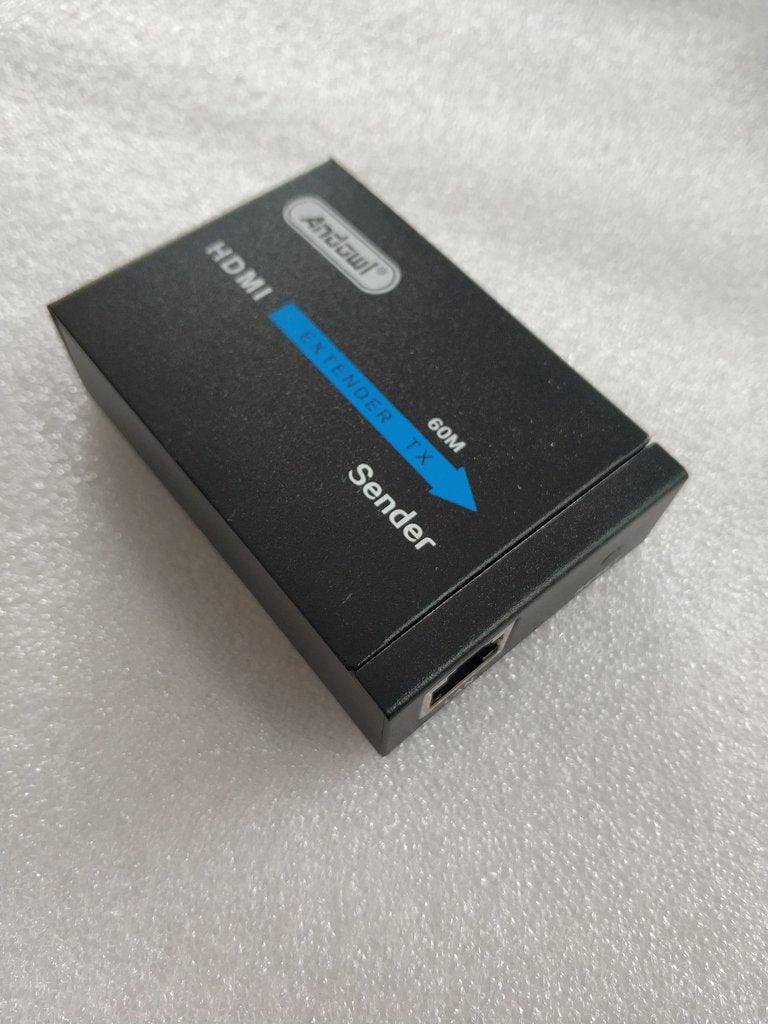
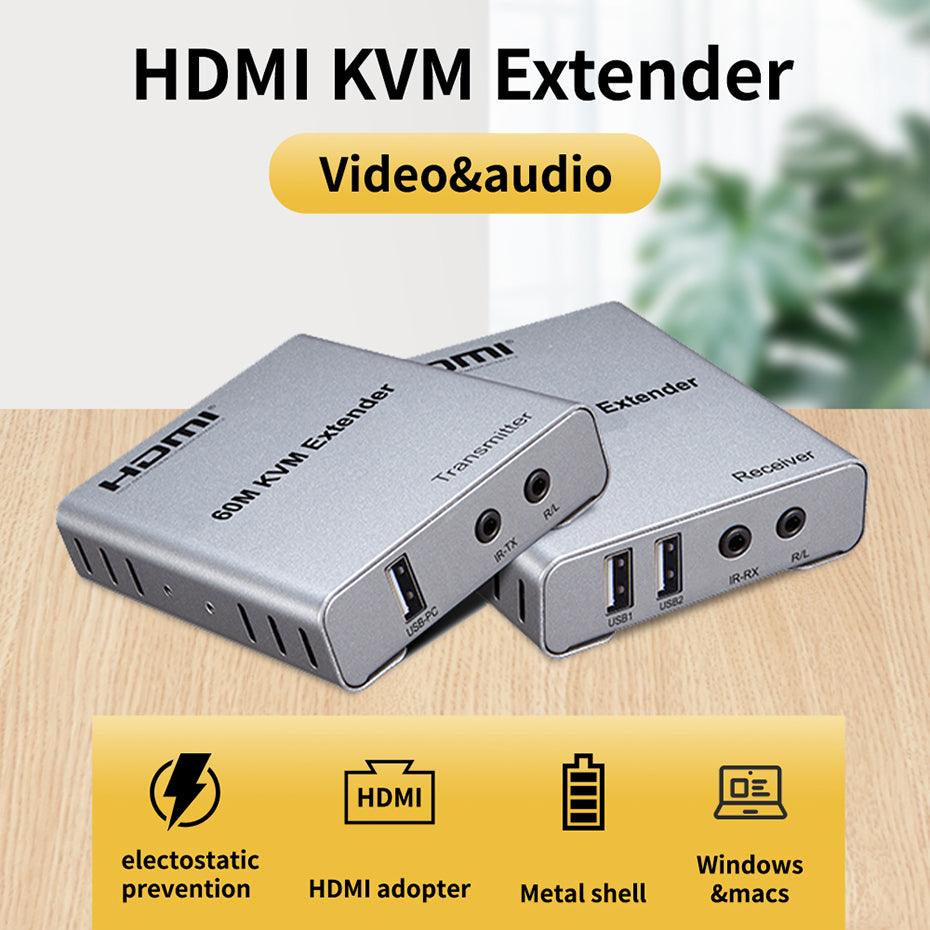
HDMI KVM EXTENDER WITH AUDIO 60M
Features & Specifications :
1.Control a PC at a distance up to 60M via USB mouse & keyboard
2.Supports PC resolutions up to 1080P/60hz.
3.Video&audio over HDMI port supported
4.HDMI audio extraction, both TX&RX supports 3.5mm stereo audio out.
5.windows&mac supported
6.Supports USB mouse & keyboard extension over ethernet cable.
7.HDMI-compatible KVM extender with IR control.
-
Connect one HDTV cable between source device and TX Extender, the max cable distance is 10 meters;
-
Connect one HDTV cable between display device and RX Extender, the max cable distance is 15 meters;
-
Connect single cat-5e or cat-6(recommended) cables instead of HDTV cables between
-
TX and RX Extender, the max cable distance is 60 meters;
-
Connect 5V power supply to the TX and RX

What's Included :
1 X TX Extender
1 X RX Extender
1 X IR Receiver Cable
1 X IR Transmitter Cable
2 X 5V Power Adapter
1 X User Manual
Features & Specifications :
1.Control a PC at a distance up to 60M via USB mouse & keyboard
2.Supports PC resolutions up to 1080P/60hz.
3.Video&audio over HDMI port supported
4.HDMI audio extraction, both TX&RX supports 3.5mm stereo audio out.
5.windows&mac supported
6.Supports USB mouse & keyboard extension over ethernet cable.
7.HDMI-compatible KVM extender with IR control.
-
Connect one HDTV cable between source device and TX Extender, the max cable distance is 10 meters;
-
Connect one HDTV cable between display device and RX Extender, the max cable distance is 15 meters;
-
Connect single cat-5e or cat-6(recommended) cables instead of HDTV cables between
-
TX and RX Extender, the max cable distance is 60 meters;
-
Connect 5V power supply to the TX and RX
What's Included :
1 X TX Extender
1 X RX Extender
1 X IR Receiver Cable
1 X IR Transmitter Cable
2 X 5V Power Adapter
1 X User Manual
Original: $84.90
-70%$84.90
$25.47Description
Features & Specifications :
1.Control a PC at a distance up to 60M via USB mouse & keyboard
2.Supports PC resolutions up to 1080P/60hz.
3.Video&audio over HDMI port supported
4.HDMI audio extraction, both TX&RX supports 3.5mm stereo audio out.
5.windows&mac supported
6.Supports USB mouse & keyboard extension over ethernet cable.
7.HDMI-compatible KVM extender with IR control.
-
Connect one HDTV cable between source device and TX Extender, the max cable distance is 10 meters;
-
Connect one HDTV cable between display device and RX Extender, the max cable distance is 15 meters;
-
Connect single cat-5e or cat-6(recommended) cables instead of HDTV cables between
-
TX and RX Extender, the max cable distance is 60 meters;
-
Connect 5V power supply to the TX and RX
What's Included :
1 X TX Extender
1 X RX Extender
1 X IR Receiver Cable
1 X IR Transmitter Cable
2 X 5V Power Adapter
1 X User Manual