šŸŽ‰ Up to 70% Off Selected ItemsShop Sale
HomeStore

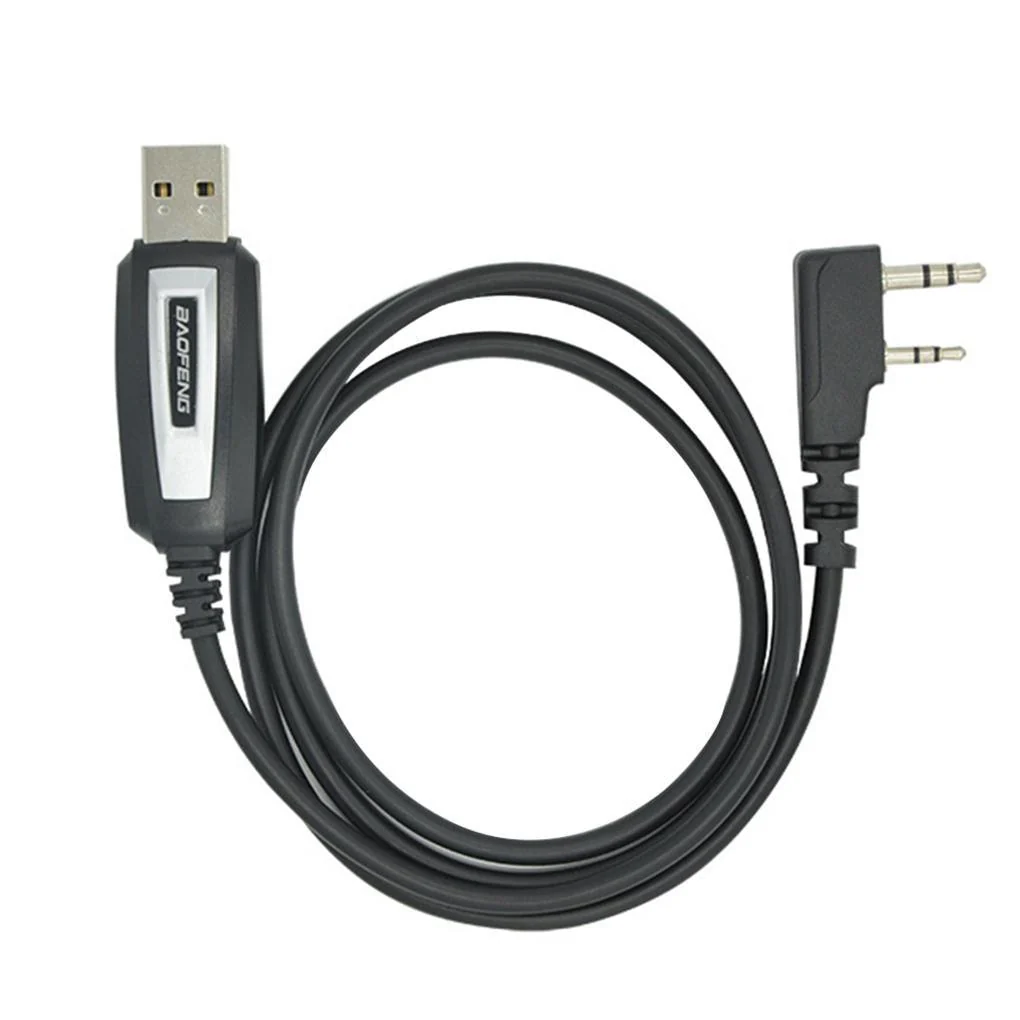
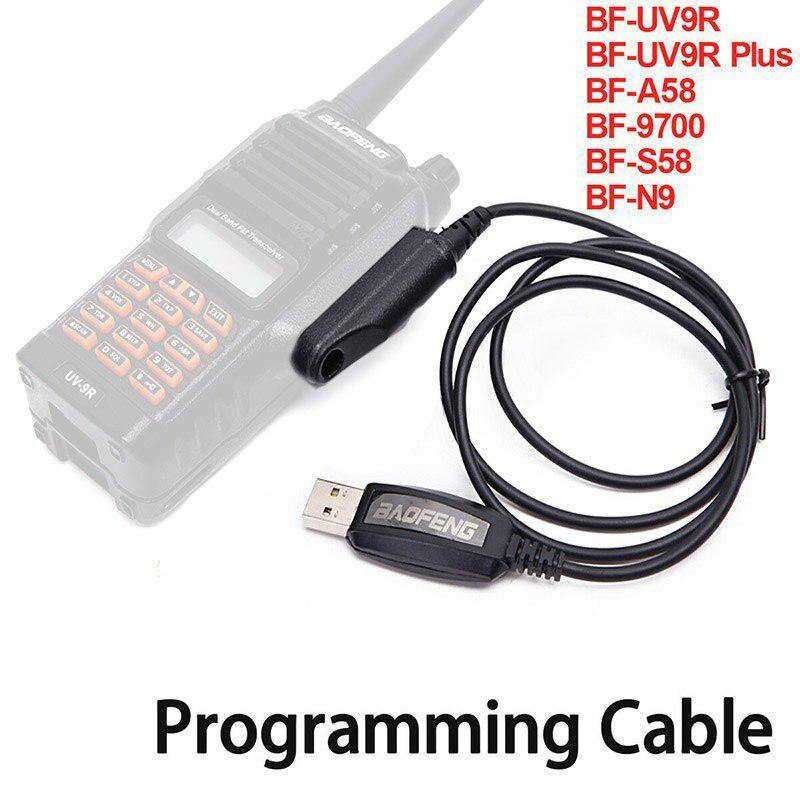
BAOFENG UV-9R FTDI CHIRP SOFTWARE CABLE

Product image 1
1 / 11
+6

BAOFENG UV-9R FTDI CHIRP SOFTWARE CABLE

Compatibility:

  • BF-UV9R
  • BF-UV9R Plus
  • BF-A58
  • BF-9700
  • BF-S58
  • BF-N9

From the manufacturer's website:

"Avoid Counterfeit cables our ftdi cable is plug n’ play

BaoFeng Tech provides USB cables that plug into your computer (Windows, OSX, Linux) and will work with your system’s default drivers. There is no need to use any CD as the drivers automatically download through your operating system.

Once you have your USB cable all that is needed is to download the free programming software, available right on our site:

DOWNLOAD THE PROGRAMMING SOFTWARE

If your computer did not automatically update to the latest FTDI driver – you can do so by visiting this link right here:

DOWNLOAD THE LATEST FTDI DRIVERS FOR YOUR BAOFENG RADIO PROGRAMMING CABLE

Is My Cable Genuine

  • Does it have two LEDs on the bottom side of the cable?
  • Is it ā€˜dimpled’ in the center?
  • Does it fully insert into the radio?

If you answered ā€œNOā€ to any of these questions you may have a counterfeit programming cable.

It is common to find these cables priced so low on eBay, Amazon, and other distributor sites. These are cheaper USB programming cables that useĀ clonedĀ chipsets fromĀ oldĀ ProlificĀ cables – by using stolen intellectual property from an oldĀ ProlificĀ chipset they try to keep their costs low, but those are not the only corners cut.

DO NOT USE A COUNTERFEIT CABLE ON YOUR BAOFENG RADIO"

-----------------------

Why use a CHiRP software FTMI cable and program via desktop instead of just doing so via the radio / transceiver's console"

  • It can be difficult to remember the right key combinations to program in frequencies, save a channel, set the offset, PL tone, etc. (And it'd be nice to display a text name),
  • Chirp allows you to do all that from a computer, per a computer screen and an actual keyboard.
  • It reduces the number of errors you get while programming in stations, and lets you do itĀ MUCHĀ faster.
  • It also allows you to save configurations. So you can have one radio setup with stations for when you're at home, and a completely different one when you're on a trip, and be able to go back to the 'home' one without spending 4+ hours programming.
  • It willĀ NOTĀ expand the frequencies.
  • ItĀ willĀ allow you to simply click on the menu and load all your local repeaters (by automatically downloading them from radio reference). ItĀ willĀ allow you to quickly program in all the FRS/GMRS/etc frequencies (to listen in).
  • For 10 FRS frequencies, the difference being:
  • Manually doing it: 1hr.
  • Doing it by chirp doing it: 2 minutes.

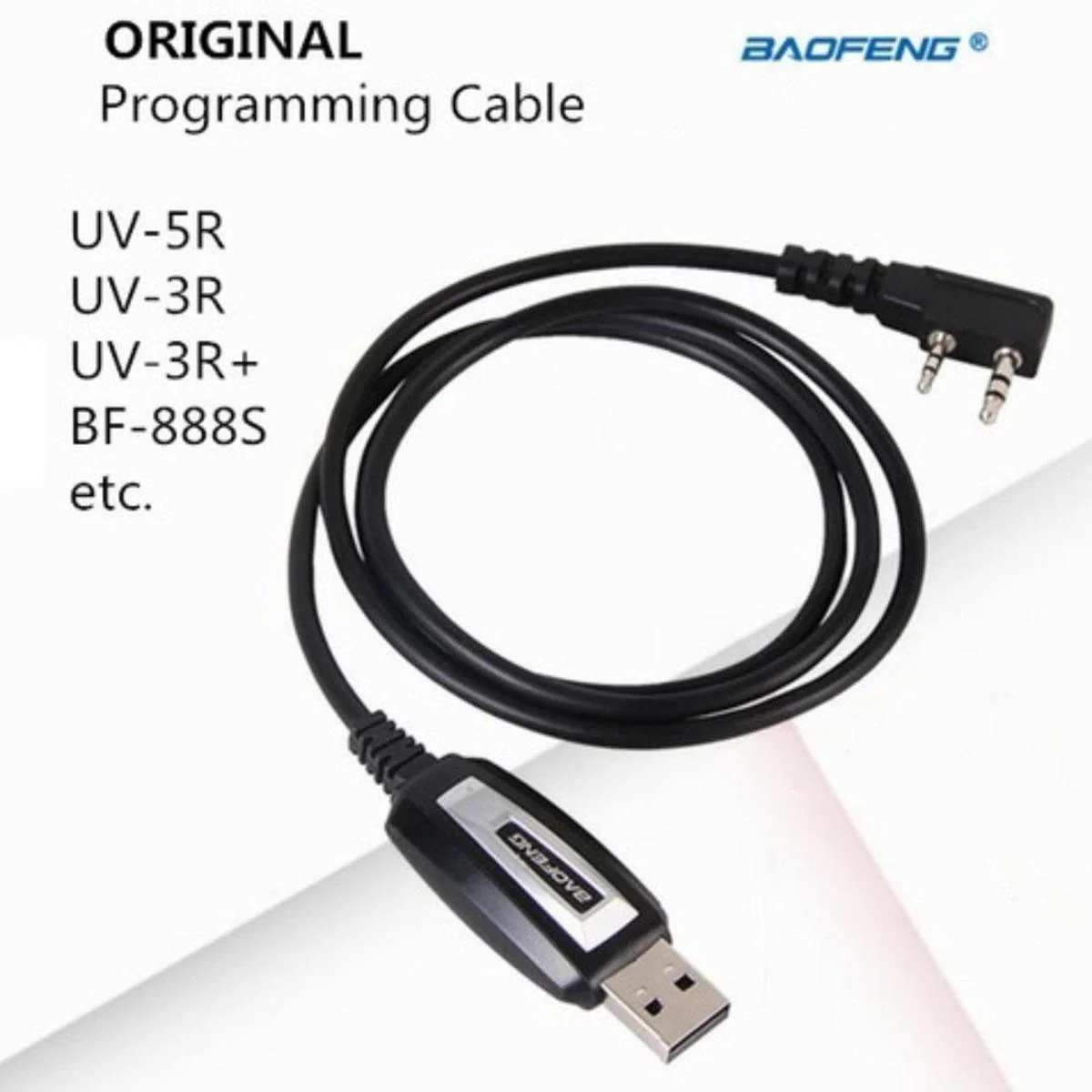
Short cable, allowing you to connect your BAOFENG UV5R / 888S to your desktop and perform a small slew of features including:

Ā 

To download the official software, click here.

For an easy step-by-step guide on getting started, click here


Ā 


Compatibility:

  • BF-UV9R
  • BF-UV9R Plus
  • BF-A58
  • BF-9700
  • BF-S58
  • BF-N9

From the manufacturer's website:

"Avoid Counterfeit cables our ftdi cable is plug n’ play

BaoFeng Tech provides USB cables that plug into your computer (Windows, OSX, Linux) and will work with your system’s default drivers. There is no need to use any CD as the drivers automatically download through your operating system.

Once you have your USB cable all that is needed is to download the free programming software, available right on our site:

DOWNLOAD THE PROGRAMMING SOFTWARE

If your computer did not automatically update to the latest FTDI driver – you can do so by visiting this link right here:

DOWNLOAD THE LATEST FTDI DRIVERS FOR YOUR BAOFENG RADIO PROGRAMMING CABLE

Is My Cable Genuine

  • Does it have two LEDs on the bottom side of the cable?
  • Is it ā€˜dimpled’ in the center?
  • Does it fully insert into the radio?

If you answered ā€œNOā€ to any of these questions you may have a counterfeit programming cable.

It is common to find these cables priced so low on eBay, Amazon, and other distributor sites. These are cheaper USB programming cables that useĀ clonedĀ chipsets fromĀ oldĀ ProlificĀ cables – by using stolen intellectual property from an oldĀ ProlificĀ chipset they try to keep their costs low, but those are not the only corners cut.

DO NOT USE A COUNTERFEIT CABLE ON YOUR BAOFENG RADIO"

-----------------------

Why use a CHiRP software FTMI cable and program via desktop instead of just doing so via the radio / transceiver's console"

  • It can be difficult to remember the right key combinations to program in frequencies, save a channel, set the offset, PL tone, etc. (And it'd be nice to display a text name),
  • Chirp allows you to do all that from a computer, per a computer screen and an actual keyboard.
  • It reduces the number of errors you get while programming in stations, and lets you do itĀ MUCHĀ faster.
  • It also allows you to save configurations. So you can have one radio setup with stations for when you're at home, and a completely different one when you're on a trip, and be able to go back to the 'home' one without spending 4+ hours programming.
  • It willĀ NOTĀ expand the frequencies.
  • ItĀ willĀ allow you to simply click on the menu and load all your local repeaters (by automatically downloading them from radio reference). ItĀ willĀ allow you to quickly program in all the FRS/GMRS/etc frequencies (to listen in).
  • For 10 FRS frequencies, the difference being:
  • Manually doing it: 1hr.
  • Doing it by chirp doing it: 2 minutes.

Short cable, allowing you to connect your BAOFENG UV5R / 888S to your desktop and perform a small slew of features including:

Ā 

To download the official software, click here.

For an easy step-by-step guide on getting started, click here

Ā 


$11.71
BAOFENG UV-9R FTDI CHIRP SOFTWARE CABLE—
$11.71

Description

Compatibility:

  • BF-UV9R
  • BF-UV9R Plus
  • BF-A58
  • BF-9700
  • BF-S58
  • BF-N9

From the manufacturer's website:

"Avoid Counterfeit cables our ftdi cable is plug n’ play

BaoFeng Tech provides USB cables that plug into your computer (Windows, OSX, Linux) and will work with your system’s default drivers. There is no need to use any CD as the drivers automatically download through your operating system.

Once you have your USB cable all that is needed is to download the free programming software, available right on our site:

DOWNLOAD THE PROGRAMMING SOFTWARE

If your computer did not automatically update to the latest FTDI driver – you can do so by visiting this link right here:

DOWNLOAD THE LATEST FTDI DRIVERS FOR YOUR BAOFENG RADIO PROGRAMMING CABLE

Is My Cable Genuine

  • Does it have two LEDs on the bottom side of the cable?
  • Is it ā€˜dimpled’ in the center?
  • Does it fully insert into the radio?

If you answered ā€œNOā€ to any of these questions you may have a counterfeit programming cable.

It is common to find these cables priced so low on eBay, Amazon, and other distributor sites. These are cheaper USB programming cables that useĀ clonedĀ chipsets fromĀ oldĀ ProlificĀ cables – by using stolen intellectual property from an oldĀ ProlificĀ chipset they try to keep their costs low, but those are not the only corners cut.

DO NOT USE A COUNTERFEIT CABLE ON YOUR BAOFENG RADIO"

-----------------------

Why use a CHiRP software FTMI cable and program via desktop instead of just doing so via the radio / transceiver's console"

  • It can be difficult to remember the right key combinations to program in frequencies, save a channel, set the offset, PL tone, etc. (And it'd be nice to display a text name),
  • Chirp allows you to do all that from a computer, per a computer screen and an actual keyboard.
  • It reduces the number of errors you get while programming in stations, and lets you do itĀ MUCHĀ faster.
  • It also allows you to save configurations. So you can have one radio setup with stations for when you're at home, and a completely different one when you're on a trip, and be able to go back to the 'home' one without spending 4+ hours programming.
  • It willĀ NOTĀ expand the frequencies.
  • ItĀ willĀ allow you to simply click on the menu and load all your local repeaters (by automatically downloading them from radio reference). ItĀ willĀ allow you to quickly program in all the FRS/GMRS/etc frequencies (to listen in).
  • For 10 FRS frequencies, the difference being:
  • Manually doing it: 1hr.
  • Doing it by chirp doing it: 2 minutes.

Short cable, allowing you to connect your BAOFENG UV5R / 888S to your desktop and perform a small slew of features including:

Ā 

To download the official software, click here.

For an easy step-by-step guide on getting started, click here

Ā 


You may also like

-70%NEW
Thumbnail 1Thumbnail 2

BAOFENG UV5R CHIRP SOFTWARE CABLE

$8.72

$2.62

NEW
Thumbnail 1

UNBRANDED UNIVERSAL TRAVEL ADAPTOR

$7.03

-70%NEW
Thumbnail 1Thumbnail 2

GENUINE BAOFENG BATTERY MODEL BL-1, FOR 777 & 888

$9.37

$2.81

NEW
Thumbnail 1Thumbnail 2

QYT KT8900 VHF/UHF DUAL BAND MOBILE RADIO KIT

$117.04

-70%NEW

TELESCOPIC AERIAL, SMA-(F) - 400-520 MHZ

$4.92

$1.48

-70%NEW
Thumbnail 1Thumbnail 2

ANDOWL WIRELESS REMOTE CONTROL SMART SWITCH Q-KG09

$8.78

$2.63

-70%NEW
Thumbnail 1Thumbnail 2

ANDOWL WIFI SMART SWITCH Q-L002

$11.12

$3.34

NEW
Thumbnail 1Thumbnail 2

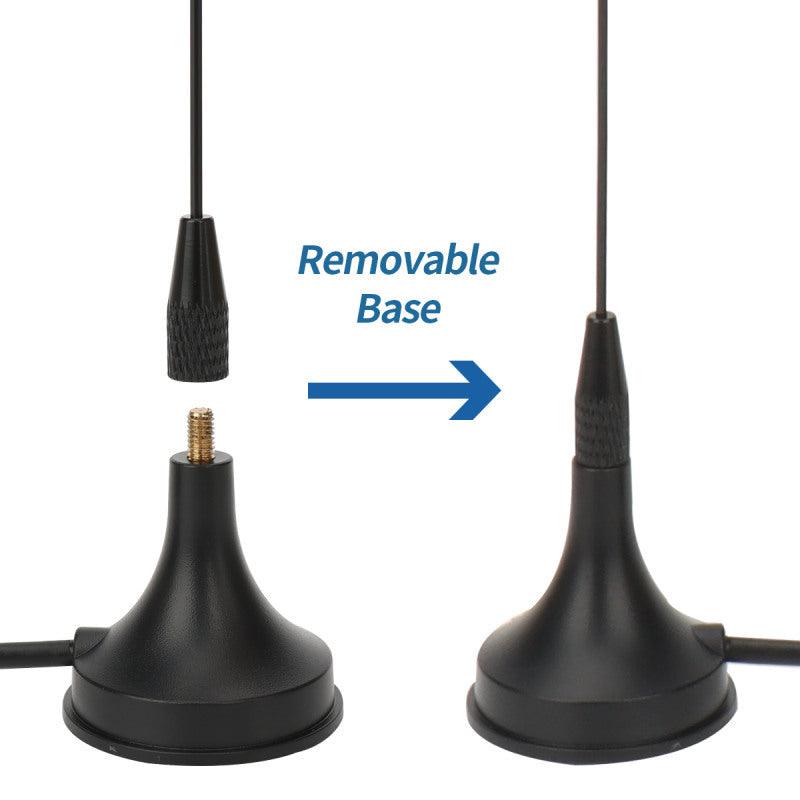
NAGOYA UT-108UV MAGNETIC BASE CAR AERIAL (SMA-M)

$8.72

-70%NEW
Thumbnail 1Thumbnail 2

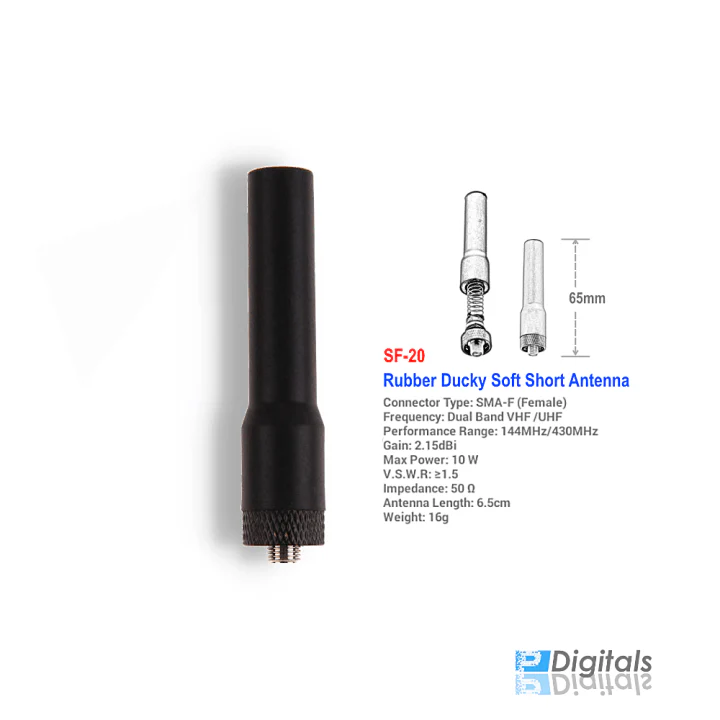
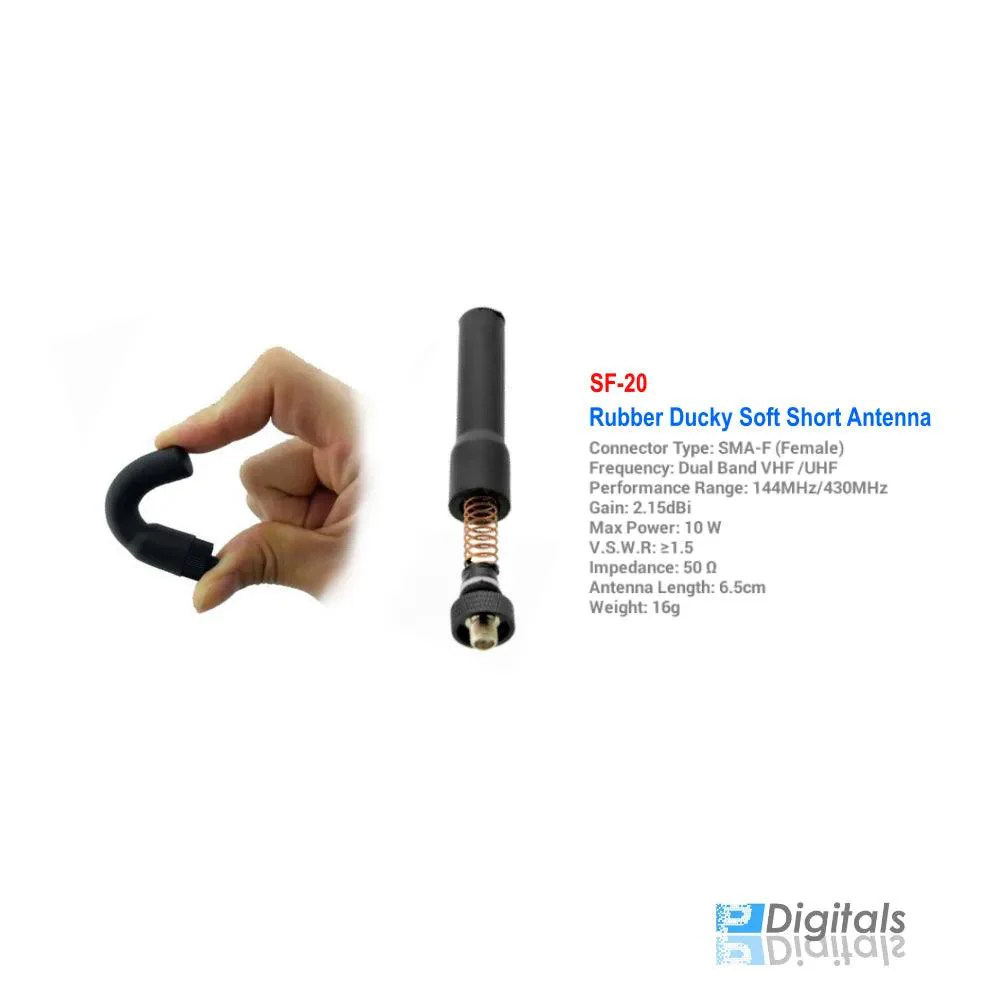
STUBBY RUBBER AERIAL, SMA-FEMALE (UHF) - SF20

$5.27

$1.58

-70%NEW
Thumbnail 1Thumbnail 2

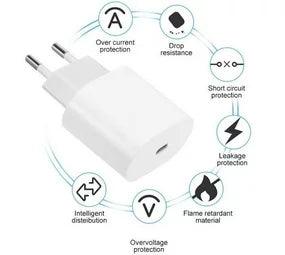
ANDOWL FAST CHARGER (30W, 5/9/12V) - Q-PD7

$5.80

$1.74

-70%NEW
Thumbnail 1Thumbnail 2

ELECTRICAL LIGHTER BLACK & SILVER ZC-169

$10.54

$3.16